Access Denied
IMPORTANT! If you’re a store owner, please make sure you have Customer accounts enabled in your Store Admin, as you have customer based locks set up with EasyLockdown app. Enable Customer Accounts
1
/
of
2
Loading...
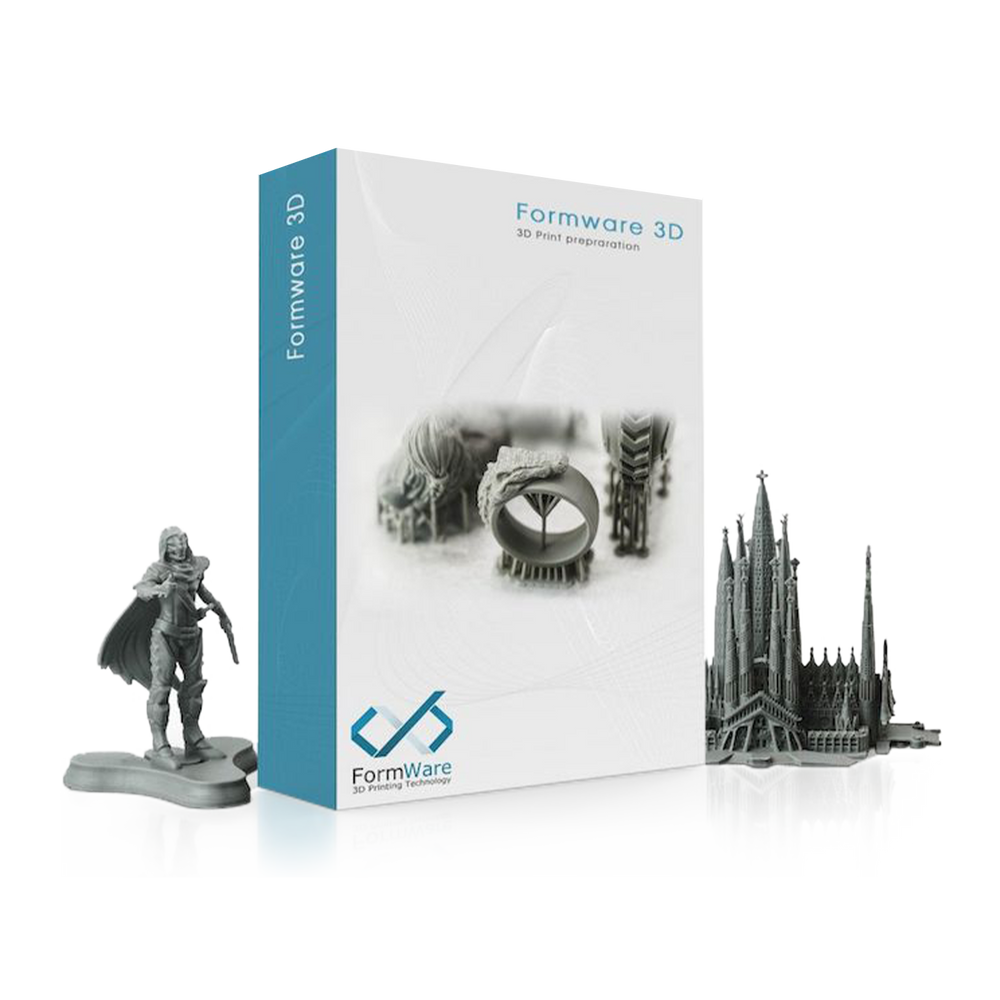
Formware 3D Slicer
$99.00
Unit price
/
Unavailable
Shipping calculated at checkout.
Pro-level slicing—yours to keep.
- Buy Once. Lifetime Access.
- Your Printer’s Best Match — Future-Proof Slicing for Every Project.
Total compatibility. Zero limitations.
- Plays well with every printer you trust.
- Supports open file formats and customizable machine settings.
54% Off Add-On: Get this item at 54% off with the Sonic Mini 8K Bundle and Sonic Mighty 4K Bundle!
Formware 3D Slicer is backordered and will ship as soon as it is back in stock.
Couldn't load pickup availability
Shipping & Tariff
- Please expect a standard lead time of approximately 1 week.
- Currently, the Phrozen US Store only ships to the mainland United States. For non-contiguous states and other U.S. territories, please purchase through our Global Store.
- No refunds will be provided if a customer refuses to collect or returns their product(s) due to related costs.
- Customers are responsible for customs clearance in all countries.
- For more information, please refer to our Shipping page.
Shipping Notice: In-stock items are prioritized and arranged to ship first. Out-of-stock items will ship once available.
Return & Warranty
- According to the Consumer Protection Act, you have the option to request a refund within a period of 13 days. However, please note that the refund does not cover the shipping fees and tax/VAT charges. To initiate the refund process, you need to submit a request to the Phrozen Support Center within this 13-day timeframe. It is important to ensure that the product is returned in its original condition, and the entire batch order must be sent back. For more details, please refer to our Refund Policy page.
-
All products purchased from the official website of Phrozen are warranted under different terms. Phrozen offers a one-year warranty for all our products except consumables and components; this includes the LCD screen and the FEP film. LCD screens for the Sonic Mighty 8K, Sonic Mini 8K, Sonic Mega 8K, Sonic Mini 4K, and Sonic 4K are covered under a 3-month warranty. For more details, please refer to our Warranty page.
*Kind reminder: We would suggest pairing our printers with Phrozen's resins to prevent surface paint damage. If a problem occurs, please feel free to contact our support team.

Precautions
Precautions
Make Sure You're Up-to-Date
To correctly confgure your Phrozen Mega 8K V2 settings, make sure you've had the latest version of FormWare installed and restarthe program.
Download the Latest Version
Let's Get Up to Speed
Get familiar with FormWare faster through this quick guide, so you can start printing immediately.
- Select Your Printer and Resin of Choice
If the machine and resin options are not available, click "Confirm" before proceeding to the next step. - Add Your Machine/Printer
On the left tab of the "Settings" menu, select"Machine", and click on the"+" symbolat the top to choose your machine. - Adjust the Resin Parameters
Click on your printer and select "Print Profiles". Use the"+" symbolto add a resin and double-click to edit the settings - Support Setup
Go to"Support Settings" on the ToolBelt, and choose the support settings you need. Click Auto-Generate All before adustingaccordingly based onyourneeds)

Automatic Mesh Repair and Diagnostics
Easily detects and repairs damaged model areas thanks to Formware's advanced error-checking system.

Linked Copy
Adjust duplicated model settings simultaneously with the original one. No need to redo your support and orientation each time.

Floor Structure
Save the back-and-forth time between your computer and printer by utilizing the most of your building plate with Formware’s multiple floor structures.
Invalid password
Enter